> ## Documentation Index
> Fetch the complete documentation index at: https://support.lilt.com/llms.txt
> Use this file to discover all available pages before exploring further.
# Braze
Enhance your outreach through Braze by integrating with LILT’s powerful translation services. Seamlessly localize your campaigns to resonate with diverse audiences across the globe.
* Effortlessly translate your messages, ensuring that your content in Braze, including email campaigns are accurately localized.
* Access over 60 languages to precisely target and engage your desired audience segments.
* Verify translations beforehand to maintain brand consistency and message accuracy, ensuring your content aligns perfectly with your brand identity.
## Getting started
**Braze API Key**
1. Sign in to your Braze Account
2. Generate a Braze API key [here](https://dashboard-03.braze.com/app_settings/developer_console/apisettings/63c8600b02eb1a729e06564d?locale=en) and provide LILT with key via an email to [Solutions@lilt.com](mailto:Solutions@lilt.com)
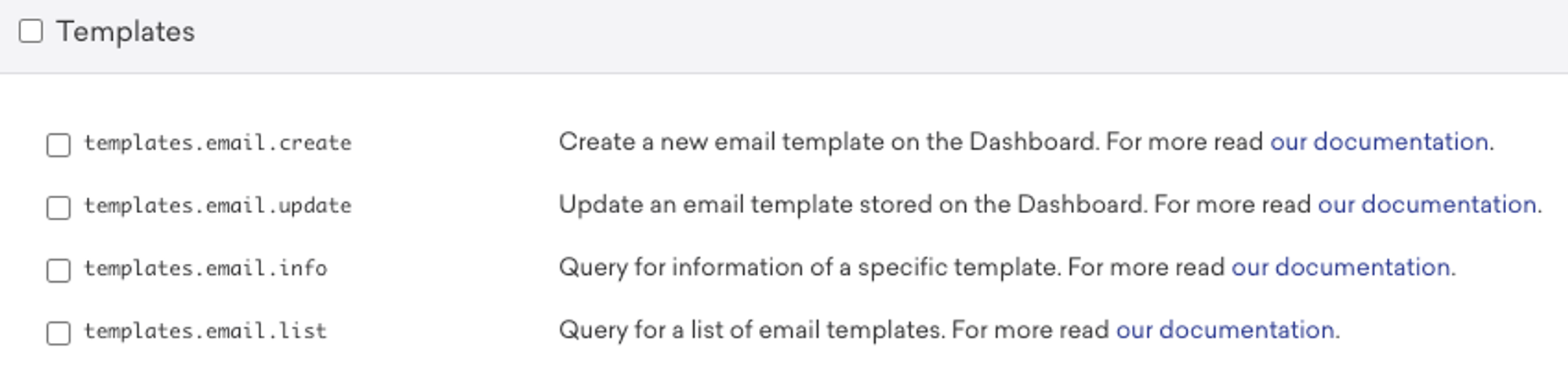
3. Enable all permissions under `template`
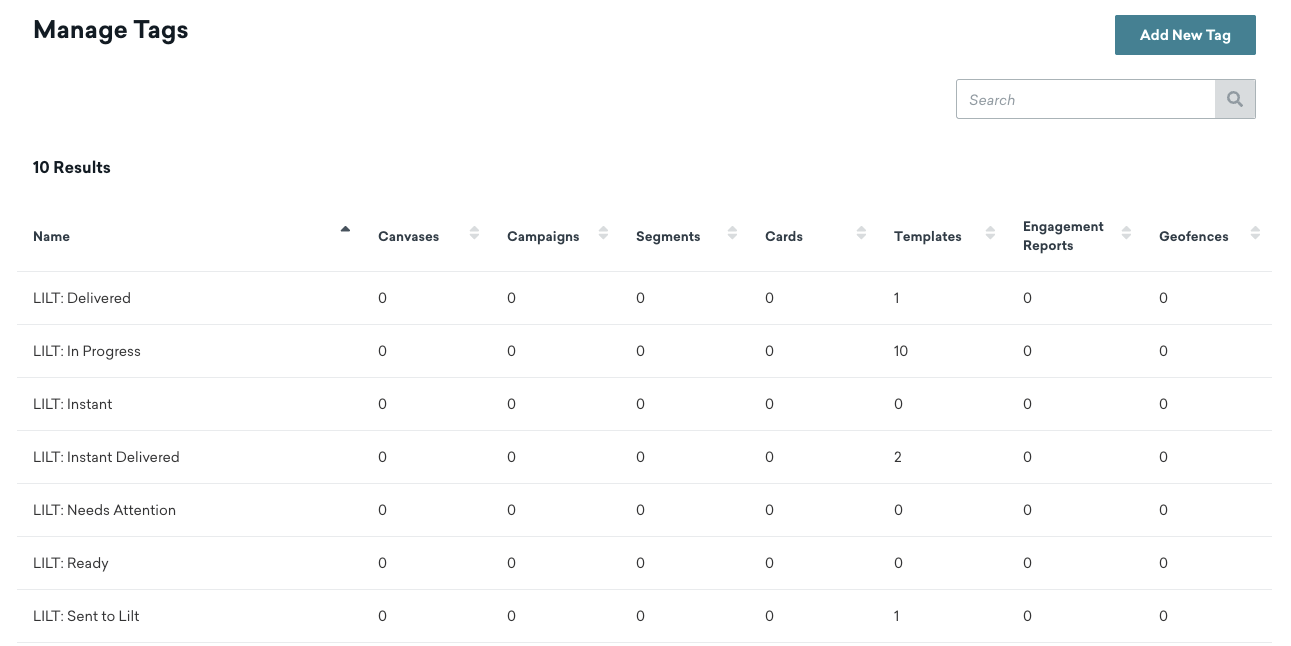
 4. Set up LILT Tags: Settings > Manage Tags > Add New Tag
1. `LILT: Ready`
1. Indicates projects that are ready to be sent to LILT for translation
2. `LILT: In progress`
1. Indicates projects that are being pulled into LILT
3. `LILT: Sent to LILT`
1. Projects that are currently going through the LILT localization workflow
4. `LILT: Delivered`
1. Projects that have been delivered back to LILT
5. `LILT: Needs Attention`
1. Projects that have an error and need the user to fix before submitting to LILT
4. Set up LILT Tags: Settings > Manage Tags > Add New Tag
1. `LILT: Ready`
1. Indicates projects that are ready to be sent to LILT for translation
2. `LILT: In progress`
1. Indicates projects that are being pulled into LILT
3. `LILT: Sent to LILT`
1. Projects that are currently going through the LILT localization workflow
4. `LILT: Delivered`
1. Projects that have been delivered back to LILT
5. `LILT: Needs Attention`
1. Projects that have an error and need the user to fix before submitting to LILT
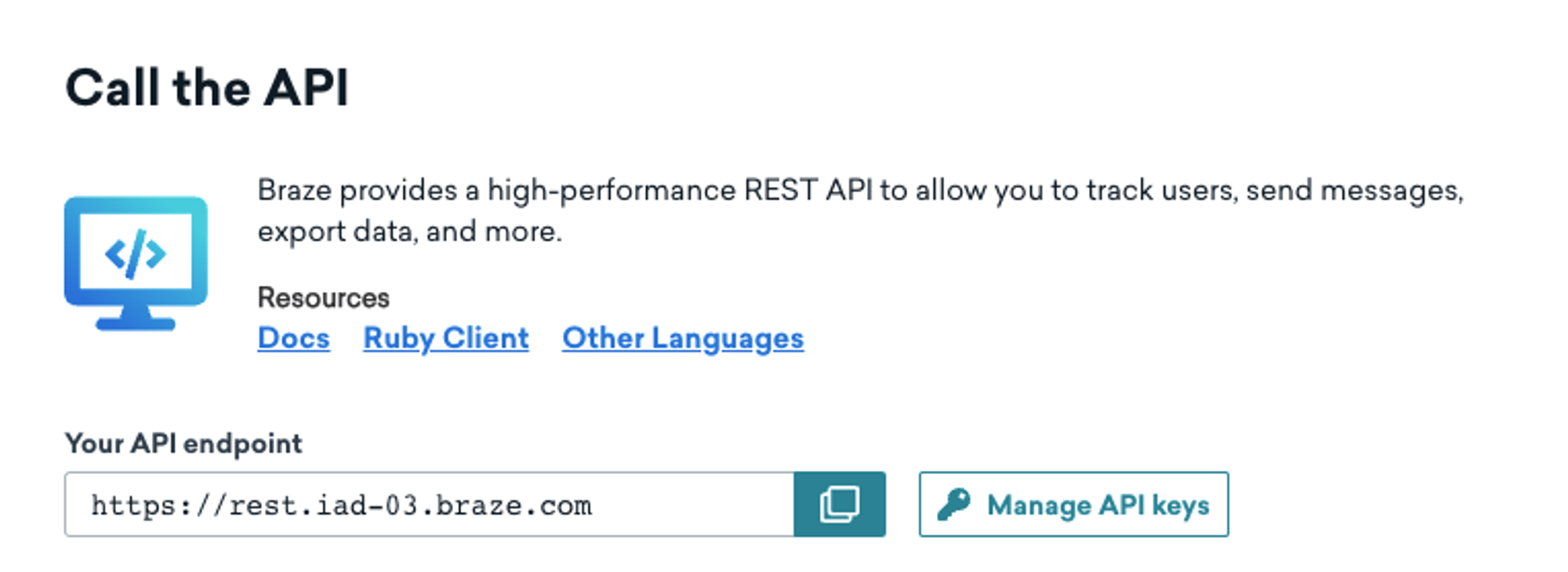
 **Braze API Base URL.**
1. Grab this information from your API endpoint: [https://dashboard.braze.com/](https://dashboard.braze.com/)
**Braze API Base URL.**
1. Grab this information from your API endpoint: [https://dashboard.braze.com/](https://dashboard.braze.com/)
 ## How to send content for translation
1. Select the pages or content you want to translate.
2. Choose “`LILT: Ready`" from the tags you created above. From there, the LILT connector will pick up new jobs every 15 minutes *(the timing can be less frequent)* with this tag.
1. If you want only send one language at a time, you will need to create a new Language-only tag, such as `LILT: Translate de-DE`
## How to send content for translation
1. Select the pages or content you want to translate.
2. Choose “`LILT: Ready`" from the tags you created above. From there, the LILT connector will pick up new jobs every 15 minutes *(the timing can be less frequent)* with this tag.
1. If you want only send one language at a time, you will need to create a new Language-only tag, such as `LILT: Translate de-DE`
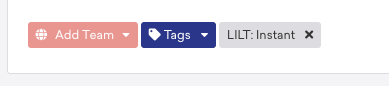
 3. If you’d like to submit for Instant Translate instead of Verified Translation, add the `LILT: Instant tag`
 4. When the content translation is in progress, the status will show as `LILT: In Progress`
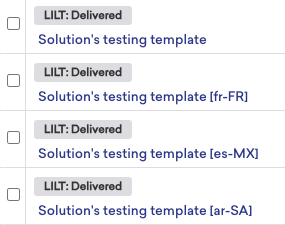
5. When the content translation is delivered back to Braze, the status will show as `LILT: Delivered`
4. When the content translation is in progress, the status will show as `LILT: In Progress`
5. When the content translation is delivered back to Braze, the status will show as `LILT: Delivered`
 6. When the content translation process has an error or issue in delivery, the status will show as `LILT: Needs Attention`