> ## Documentation Index
> Fetch the complete documentation index at: https://support.lilt.com/llms.txt
> Use this file to discover all available pages before exploring further.
# Instant Translate
## Contextual AI Engine
LILT uses Contextual AI to provide quick translations and to provide translation suggestions to linguists working in [LILT Translate](/kb/introduction-to-lilt-translate). Each Data Source has its own Contextual AI model that can be [managed from inside the Data Source](/kb/resetting-the-mt-purging-or-preserving-memories). Each model starts out as a copy of LILT's baseline model, built using training data. If the `in-context learning` option is enabled for the Data Source, the model adapts as linguists process translations in LILT Translate.
## Where Contextual AI is used in LILT
* LILT Translate segment suggestions.
* [**Pretranslation**](/kb/pretranslating-documents)\*\* or Instant workflow stages\*\*: Pretranslation or Instant workflow stages will translate any segments that aren't 99% or exact matches (100% or 101%).
* [**Instant translate documents**](/kb/instant-translate-documents) and [**instant translate text**](/kb/instant-translate-text): Self-managed customers can utilize Contextual AI to quickly translate documents and blocks of text.
## Contextual AI segment suggestions
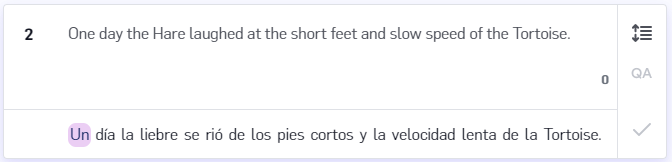
When working in LILT Translate, translation suggestions are provided to linguists for the active segment. If there are any [TM matches](/kb/translation-memory-matching) above 75%, the best match will be displayed as the suggestion. However, if there are no such TM matches, LILT uses the associated Contextual AI to provide suggestions to the linguist. [***Note that if the language pair does not have Contextual AI support, no suggestions will be shown.***](/kb/supported-languages)