> ## Documentation Index
> Fetch the complete documentation index at: https://support.lilt.com/llms.txt
> Use this file to discover all available pages before exploring further.
# OpenAI Configuration
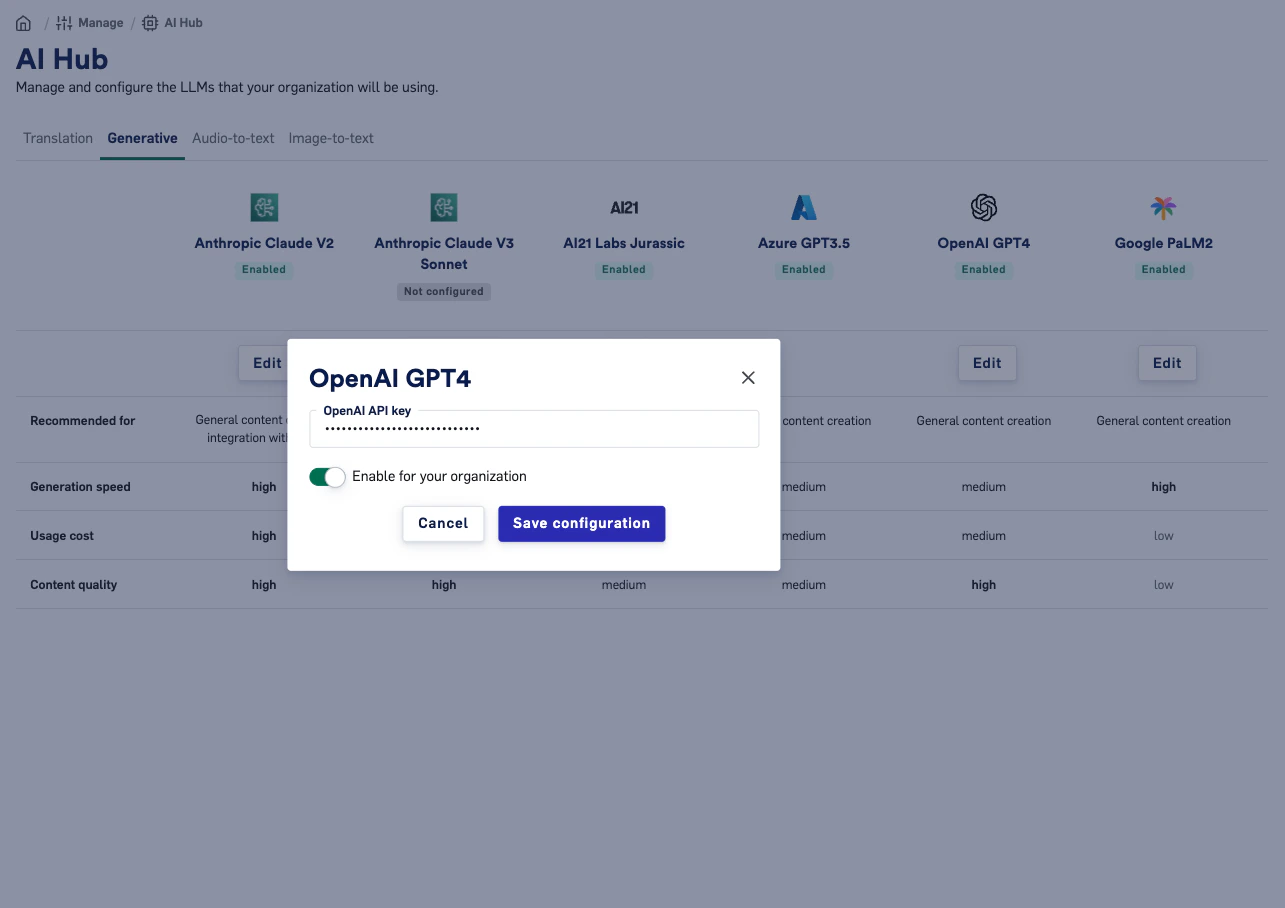
To configure OpenAI the customer only needs a single key. If the customer can login to OpenAI, grabbing the key should be simple.
1. Sign into OpenAI (Username and PWD)
2. Go to to [API Keys](https://platform.openai.com/api-keys)
3. Either Create a new Secret Key or find your previous Secret Key
4. Enter in LILT AI Hub
 ### FAQ
Q: If I enter my OpenAI key for GPT4, can this also be used for other OpenAI services, such as Whisper?
A: Yes! Entering the configuration once should enable access to all services from the same provider
### FAQ
Q: If I enter my OpenAI key for GPT4, can this also be used for other OpenAI services, such as Whisper?
A: Yes! Entering the configuration once should enable access to all services from the same provider