> ## Documentation Index
> Fetch the complete documentation index at: https://support.lilt.com/llms.txt
> Use this file to discover all available pages before exploring further.
# Project View
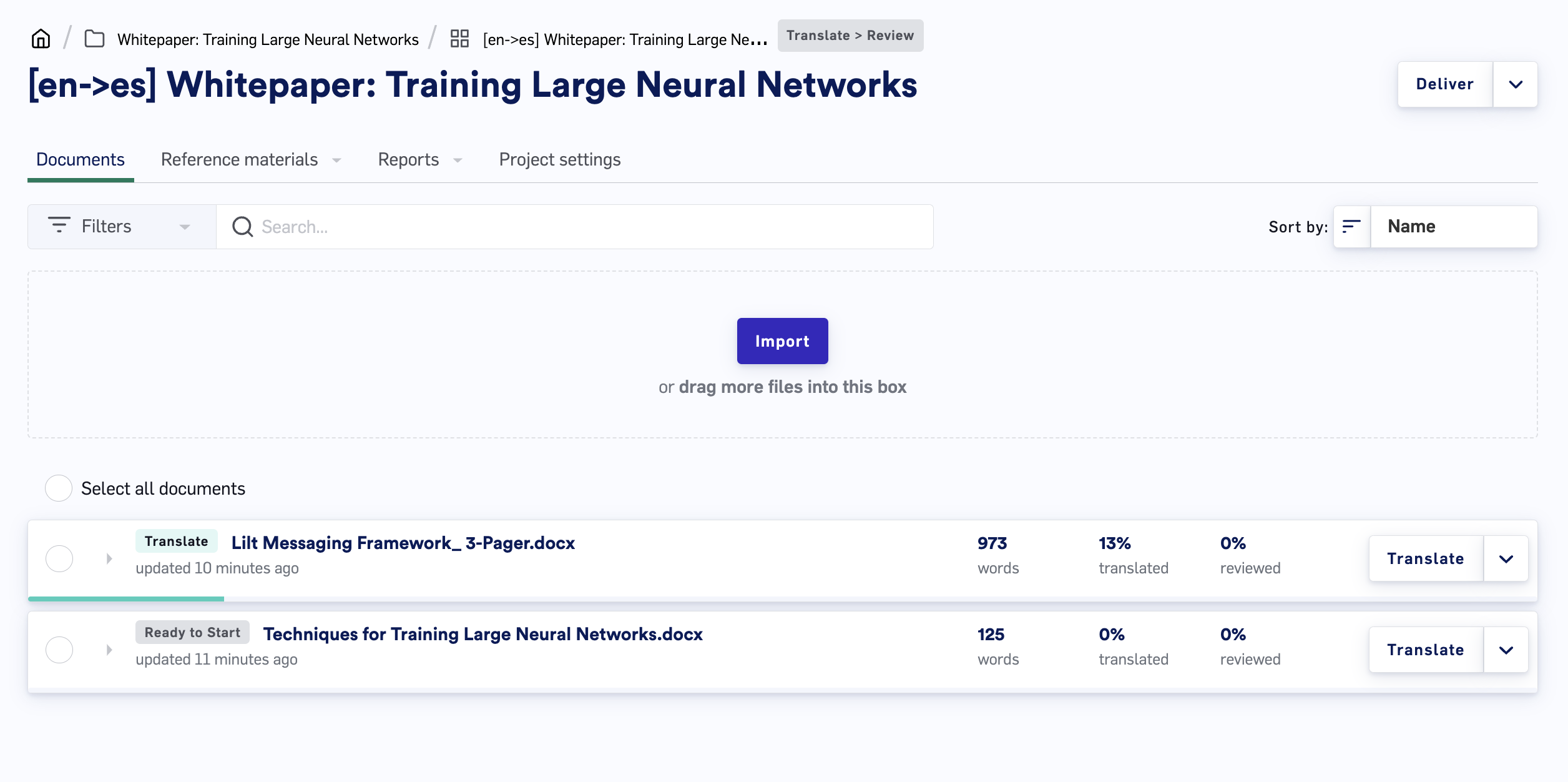
When you open a project from the [Projects List](/kb/navigating-the-projects-list), it brings you into the Project view. The Project view gives you access to all the tools you need to monitor and manage a project.
Follow the links below to read more about each page of the Project view:
* **[Documents](/kb/document-actions):** manage the translation documents.
* **[Reference Materials](/kb/reference-materials):** manage reference material to aid in translation.
* **Reports:**
* **[Leverage Report](/kb/how-to-read-leverage-reports):** view information that can help estimate project duration and budget.
* **[Project Report](/kb/how-to-read-project-reports):** view information on Project progress and linguist efficiency.
* [**Revision Report:**](/kb/how-to-read-revision-reports) view segment level revisions and comments from Review stages.
* **[Settings](/kb/project-settings):** adjust the individual Project's settings.
* **[Delivery](/kb/project-delivery):** download, review, and deliver the finalized Project.