> ## Documentation Index
> Fetch the complete documentation index at: https://support.lilt.com/llms.txt
> Use this file to discover all available pages before exploring further.
# Removing Users From An Organization
Managers and administrators have the ability to remove users from an organization. Note that managers cannot remove administrators.
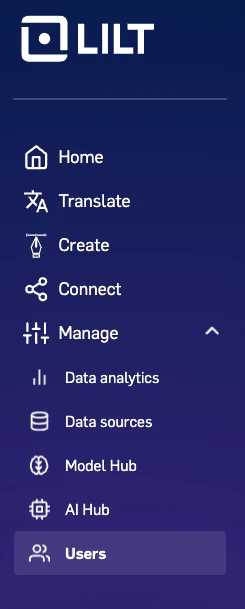
To remove a user from your organization, navigate to the `Organization > Users` tab.
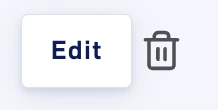
 Next, locate the user you want to remove and click the trash icon next to their entry.
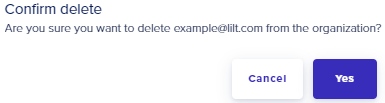
 Clicking the trash button will open a popup to confirm you want to remove the user from the organization.