Let’s talk about how to make your first API call using LILT’s API. This should take about 5 minutes and by the end you will know all of the available languages that LILT can localize your content into.
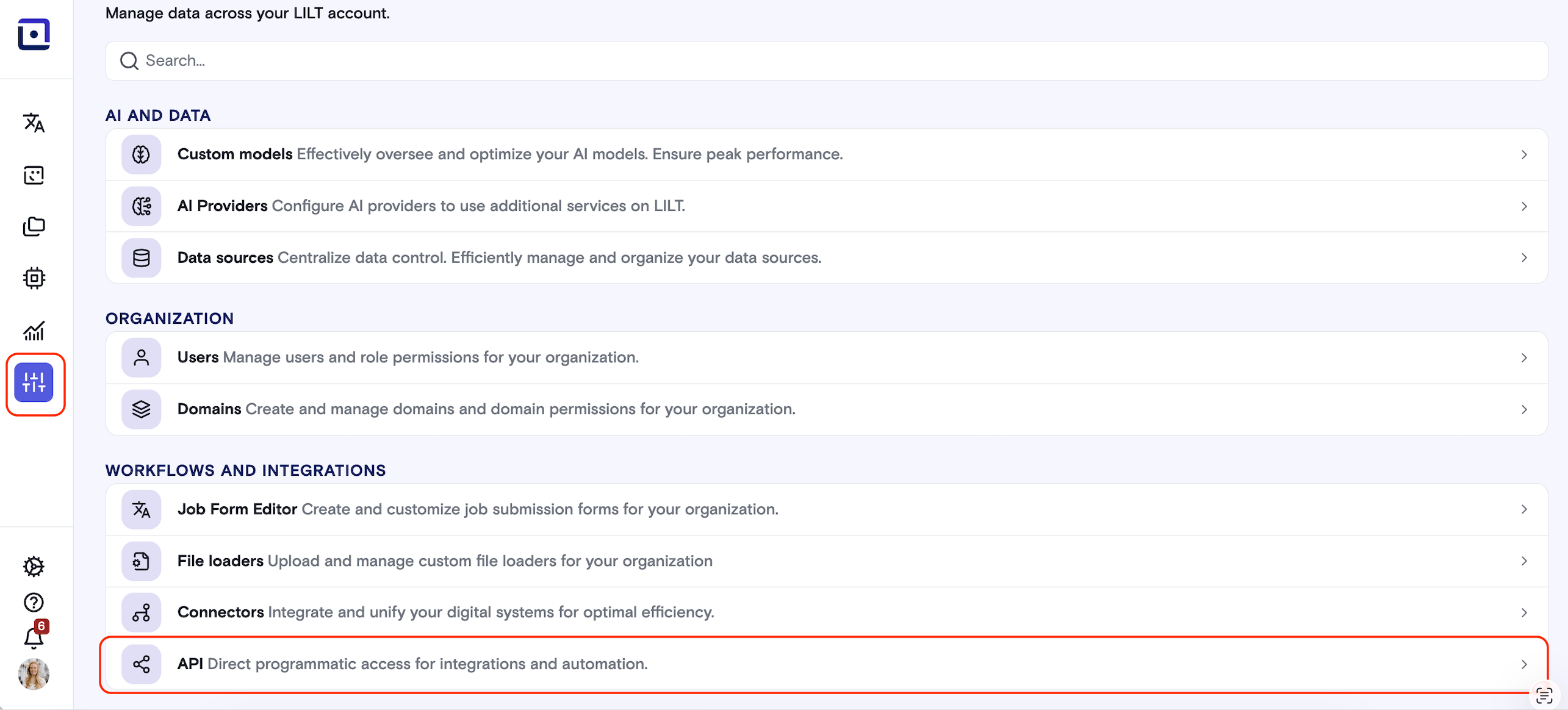
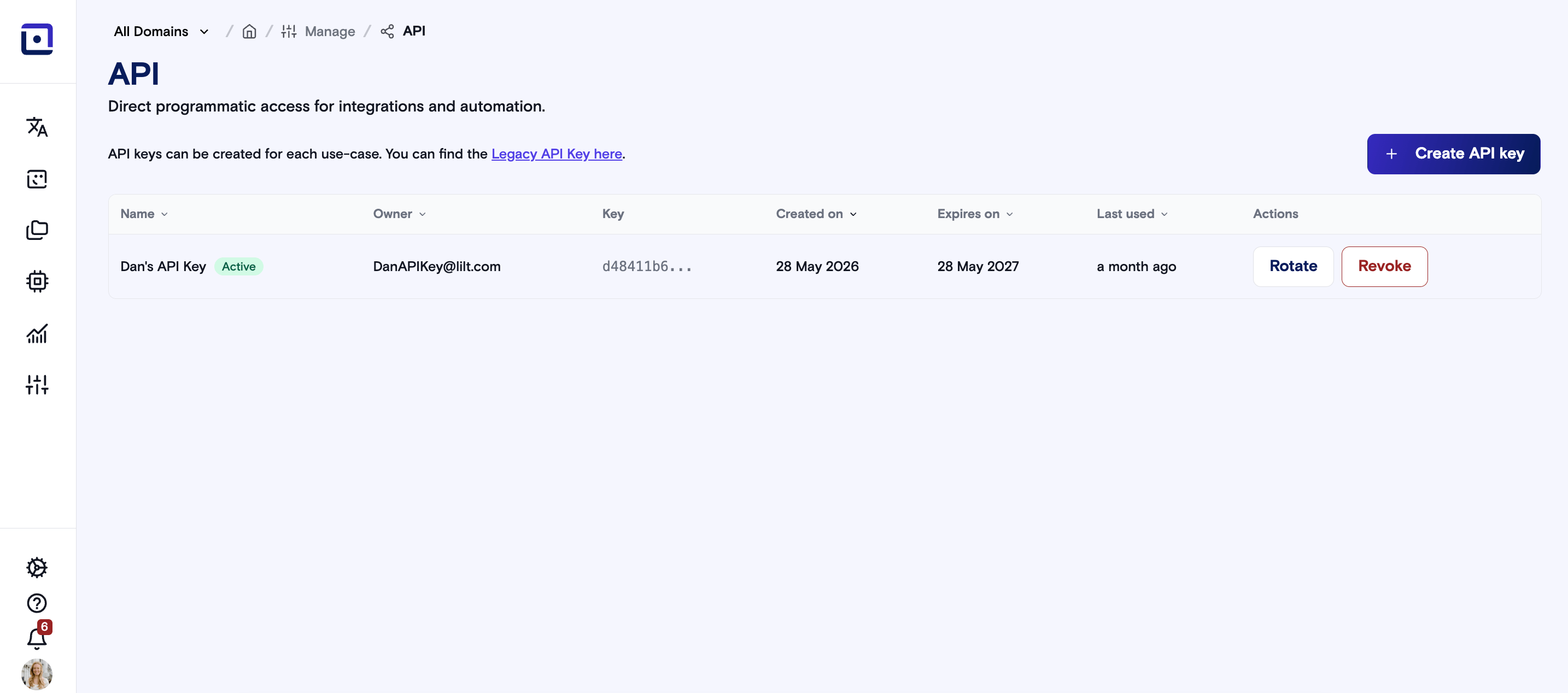
First you will need to retrieve your Organization’s API Key from the LILT User Interface.Log in to the LILT platform as an Administrator, and select Manage from the sidebar. Select API keys.
Create a new API key, or use an existing one. More information on how to use this is available here. Then, copy the API Key into your favorite API Platform like Postman, Datadog, etc…
Congratulations, now you have everything you need to make your first Api call to LILT.
As a first step at LILT, you should examine the languages available for Language Translation. To do this we will access our languages end point. This end point is a good starting point as all you have to think about is authenticating.To authenticate for the public LILT endpoint all you need is the LILT provided API Key from earlier.
curl https://api.lilt.com/v2/languages?key={Your API Key here}
Then you should see a response that looks something like this: