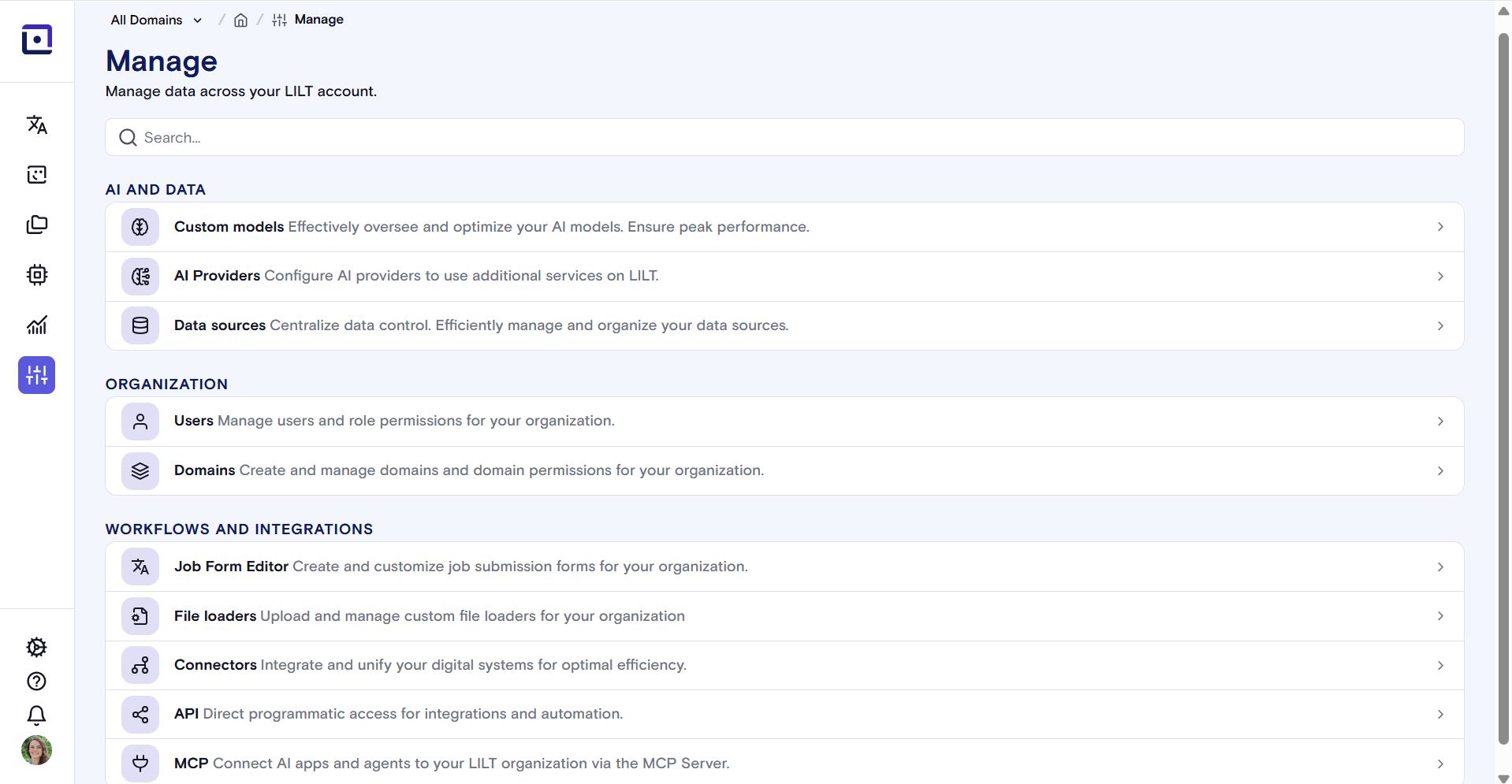
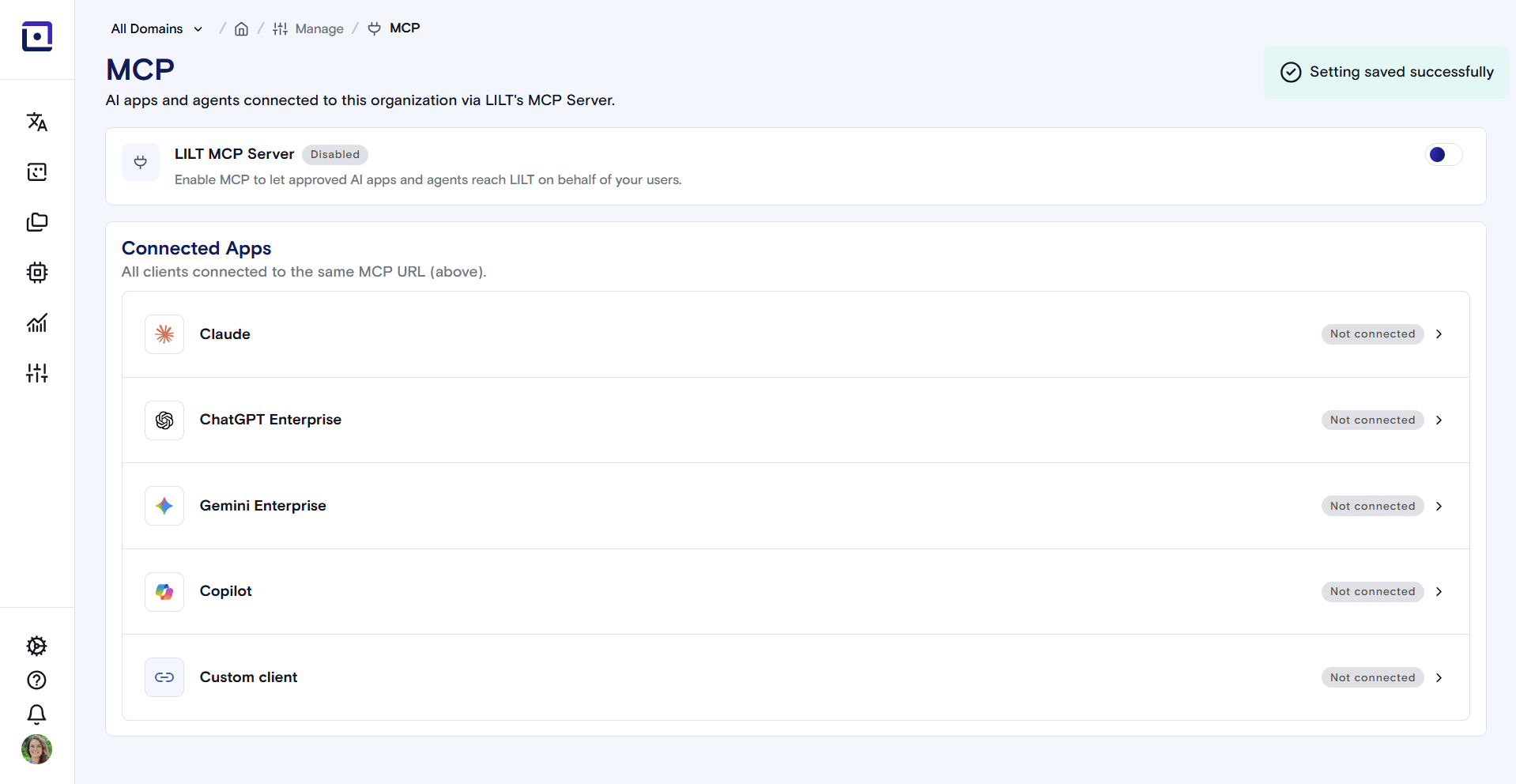
LILT’s MCP admin page is the administrative interface for enabling and disabling LILT’s MCP (Model Context Protocol) server and viewing or revoking connections from external AI assistants. It enables organization admins to manage LILT’s MCP server integration. To access the MCP Admin page, navigate to “Manage” on the sidebar, and scroll to the bottom to double click the “MCP” bar.
The MCP Admin home page displays which external AI clients (Claude, ChatGPT, Gemini, Copilot, etc.) are connected to LILT’s MCP server, along with their connection status.