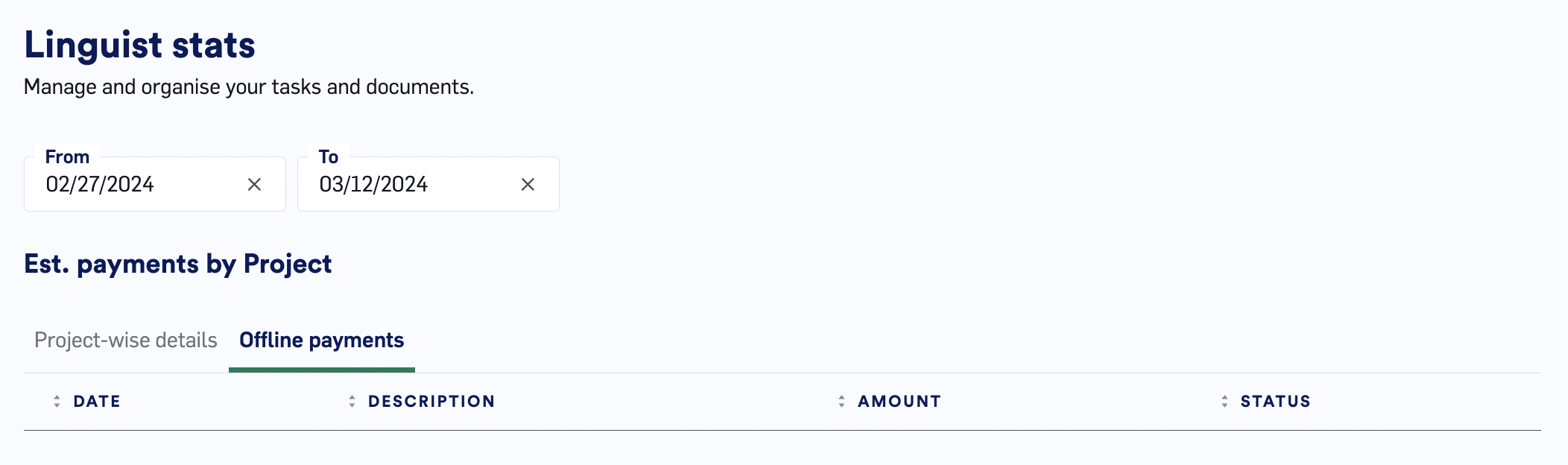

Accessing the report
You can access the report by clicking theMy Stats tab underneath your homepage.
If you are having issues accessing the report, try the following:
- Disable any ad blockers from running on lilt.com.
- Access LILT in an incognito browser window.
The report explained
Important notes about this feature
- This report does not impact your payments. Payment procedures are outlined in the Payment Policy article on Discourse.
- Project information is only viewable in the LILT Platform while a Project is in a non-archived state. Once a Project is archived, Project status information becomes inaccessible.
- The dashboard does not update in real-time. It takes 4 hours before your work will show up in the dashboard.
- Platform work is paid at a fixed rate per task or project, set and visible in the offer email before you accept.
Payment by Project and document
The table displays a number of metrics broken down by Project and document.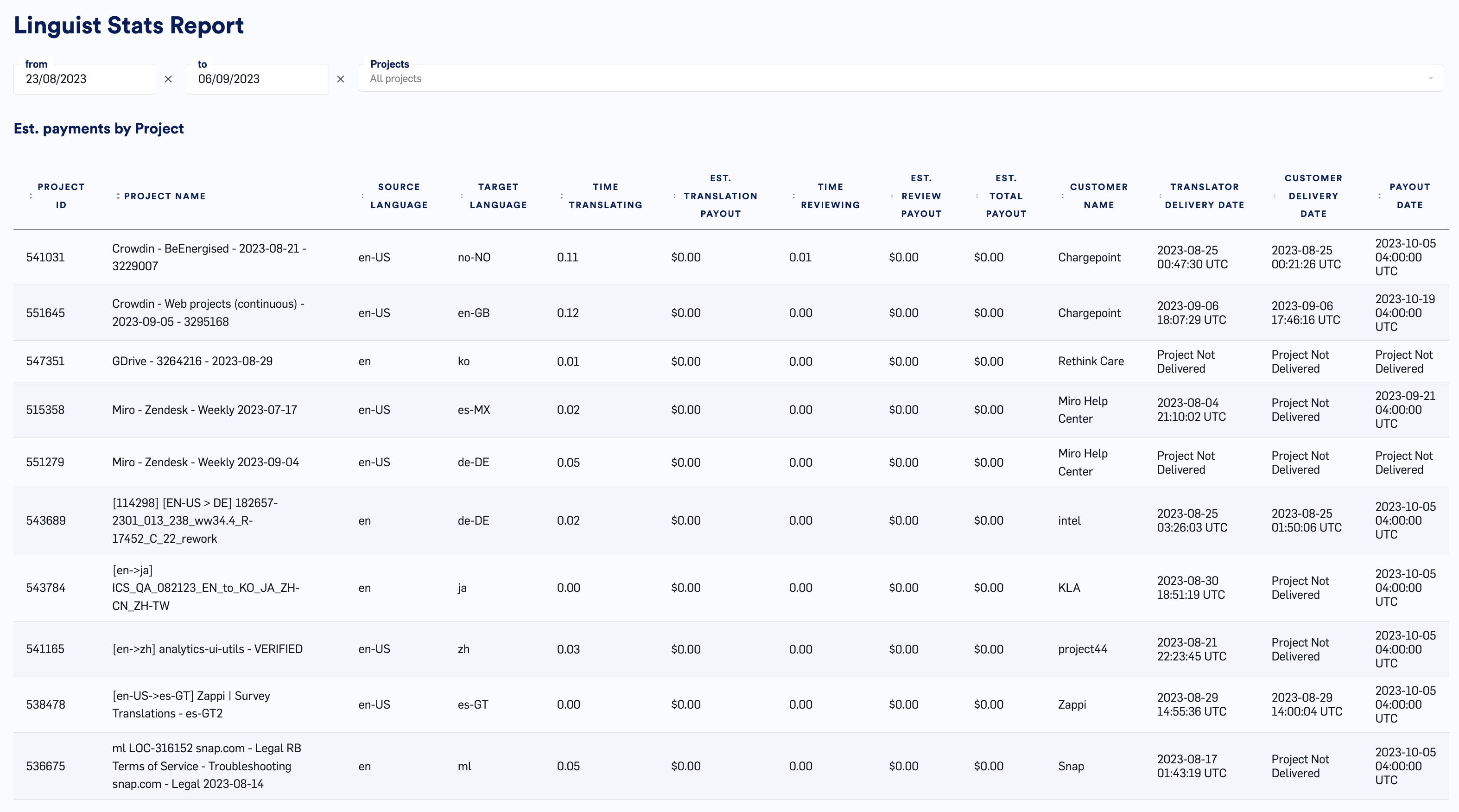
- ProjectID & Project Name: Identify the project associated with your stats and payout.
- Source & Target Language: Source and target language of the project worked on.
- Est Review Payout: Your payout based on what you accepted from the assignment email.
- Est Translation Payout: Your payout based on what you accepted from the assignment email.
- Est Total Payout: Your total payout based on what you accepted from the assignment email.
- Customer Name: Name of customer related to the project
- Translator Delivery Date: The date that your work was completed
- Customer Delivery Date: The date that LILT delivered to the customer
- Payout Date: The date that you should expect to be paid based on LILT’s payout schedule.