

Supported languages
LILT supports video dubbing for any two languages within a below system.File structure
Instant video dubbing supports videos that are:- Up to 2GB. Please see supported file types for formats accepted.
- Single speaker
- Single language
Submitting a video for instant dubbing
- Select Translate on the LILT homepage, and upload your video file. You can optionally add a subtitle file, which will bypass the text extraction step. If you don’t add a subtitle file, LILT will extract text to be translated and dubbed using your configured AI provider.

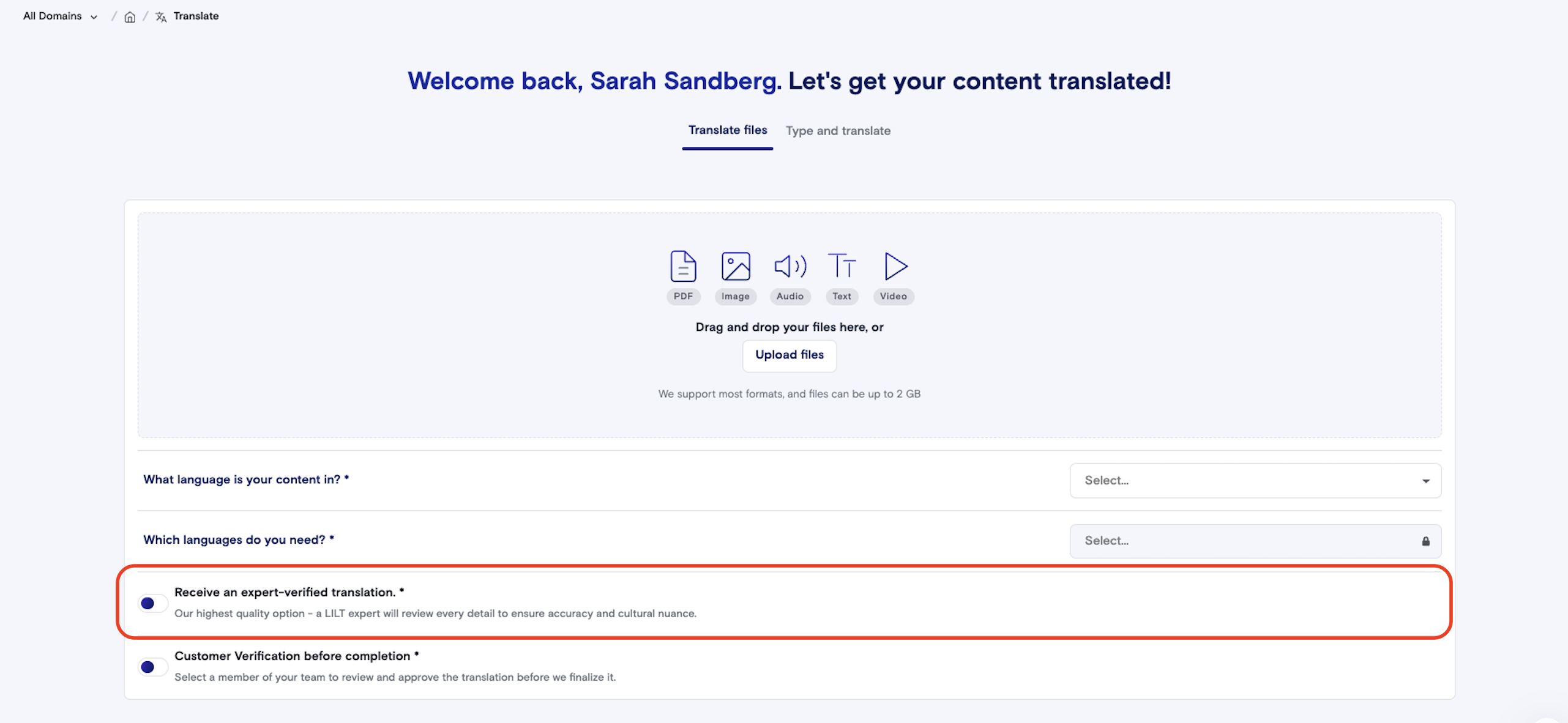
- Set your source and target languages, and make sure that the toggle for “Receive an expert-verified translation” is toggled off.
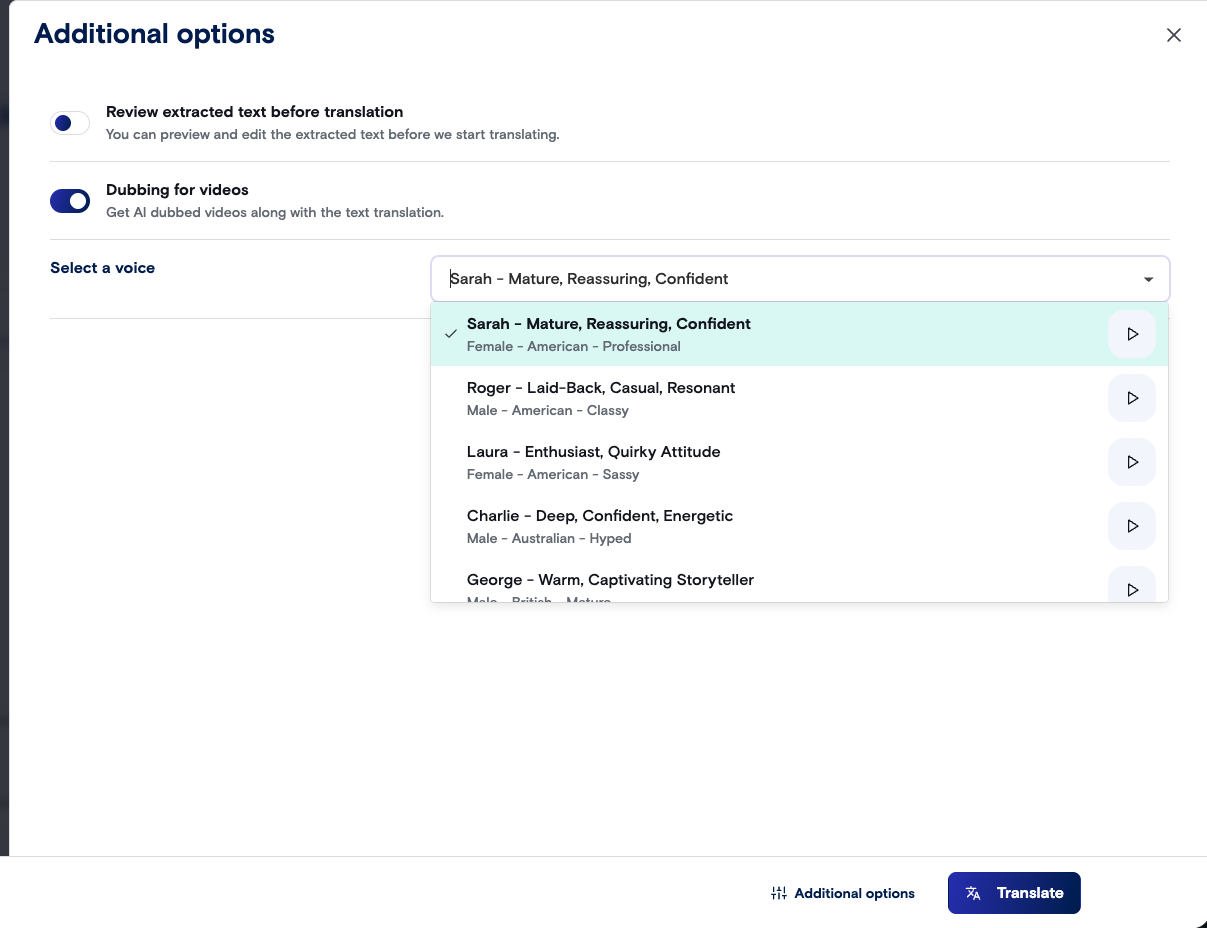
- Under Additional Options, toggle “Dubbing for videos” on and select a voice for your dub. You can listen to each voice before selecting one. Select whether you want to “Review extracted text before translation”. Click “Translate” in the lower right corner and your job will be queued.
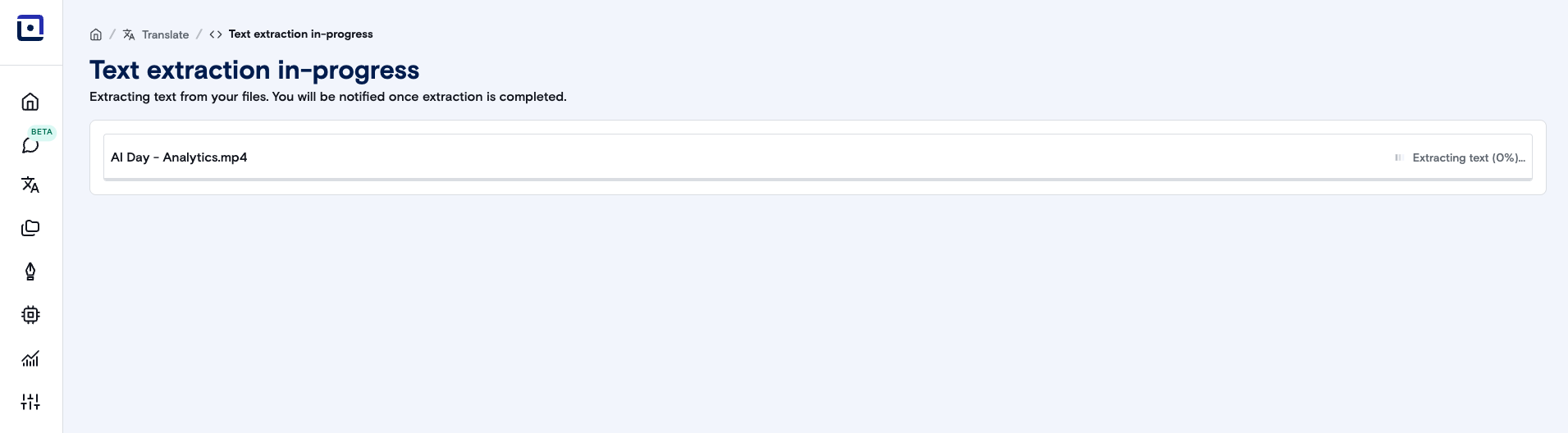
- If you didn’t upload a subtitle file and there is text to extract, LILT will begin extracting the text.
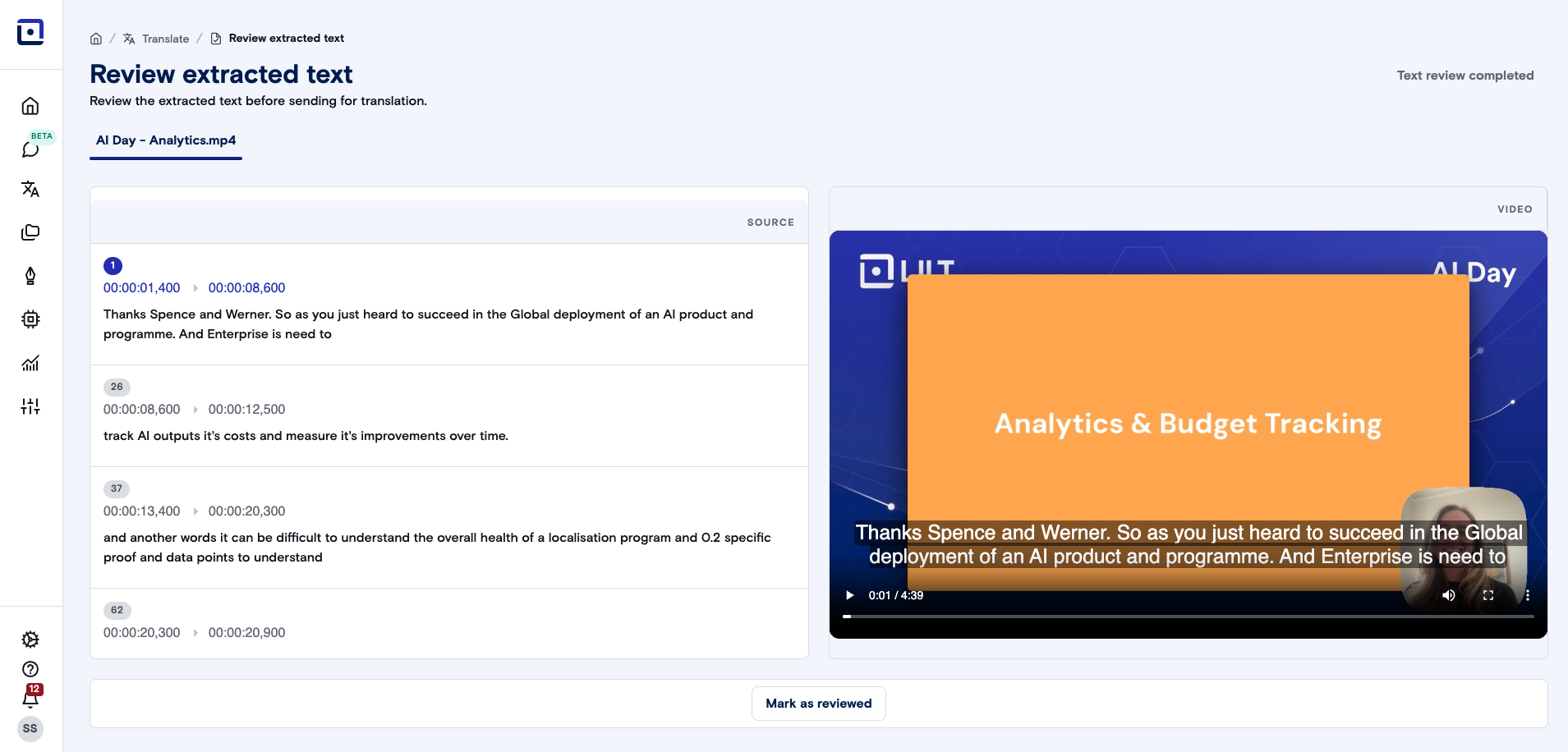
- If you selected “Review extracted text”, you have the opportunity to make any necessary changes to the extracted text and timestamps. Once you’re satisfied with the source text, click on “Mark reviewed”. Click on “Mark as reviewed” and then “Text review completed” to instantly translate the content.
- LILT will then use your selected custom model to instant translate the video.
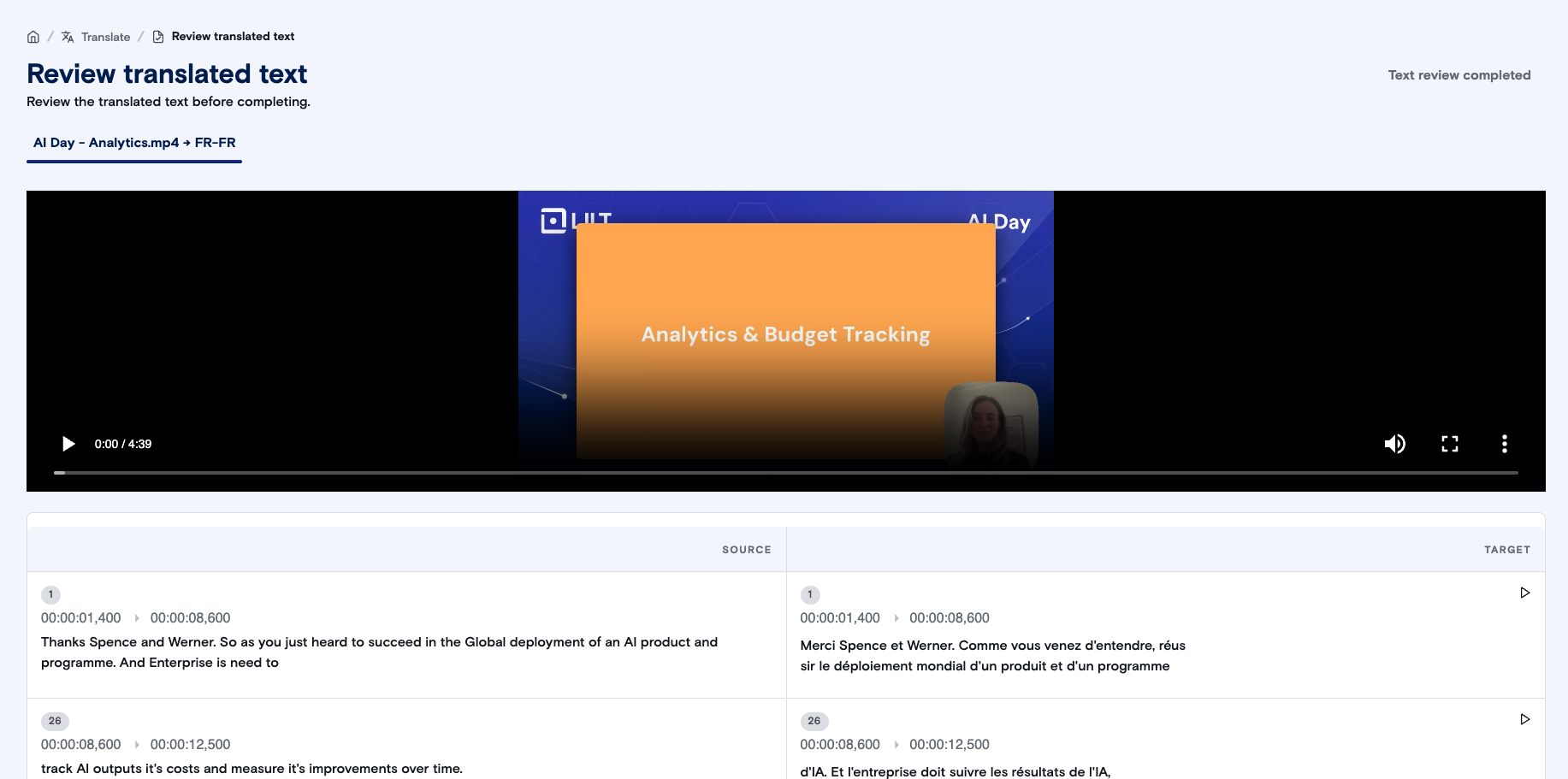
- After the instant translation is completed, review and make any changes to the instant translated text. This might involve adjusting words per caption, or broken words/phrases. You can also adjust the time stamps and click the “Play” button next to each segment to hear the dubbed segment. Once you are satisfied with the translated text, click “Mark as reviewed”, then “Text review completed”.
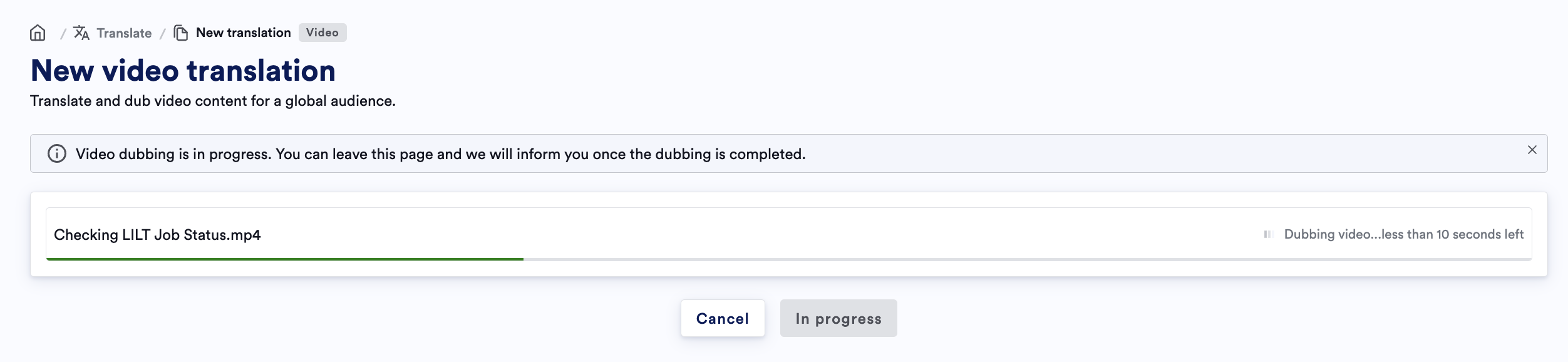
- Your video will be dubbed into the target language selected.
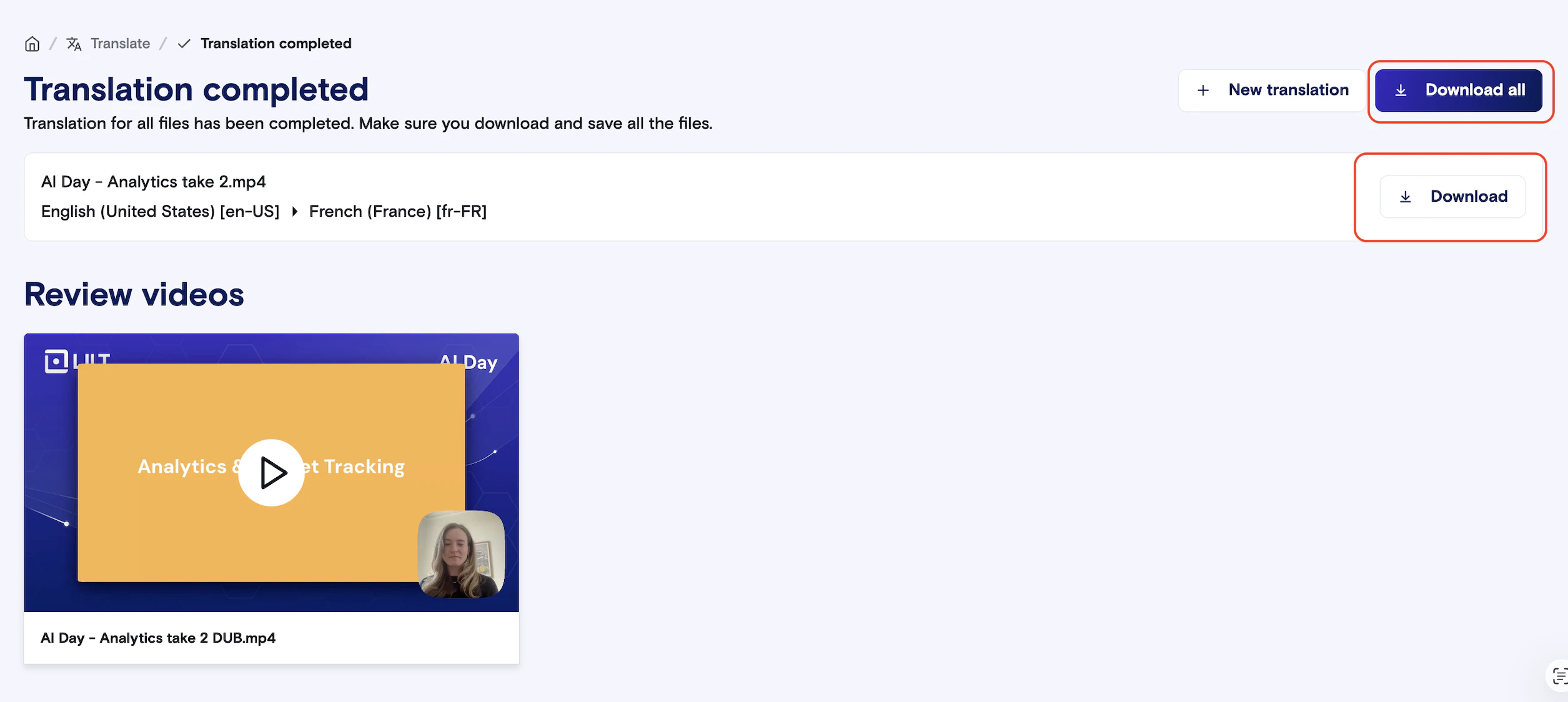
- Once the dubbing has been completed, you can view your dubbed video in the platform. You also have options to “Download all”, which will download both the Dubbed video (.mp4) and the subtitle file (.srt).
Please note: LILT does not support re-integration of the subtitle file into the dubbed video at this time.
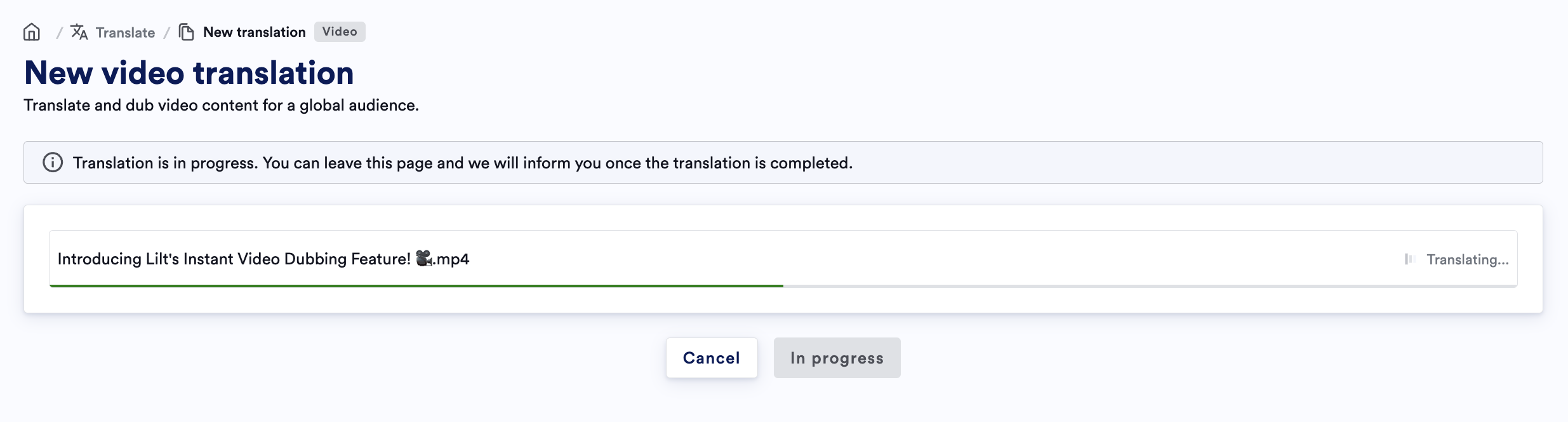
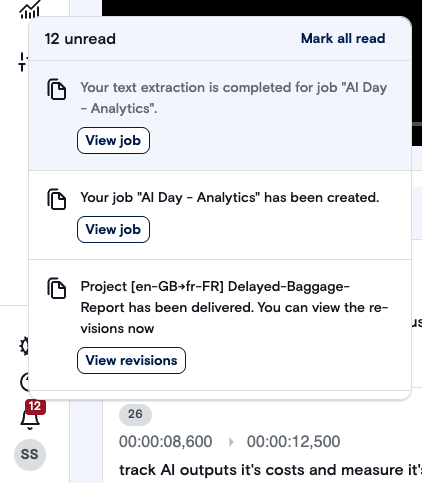
- At any point during the text extraction, instant translation, or dubbing, you can leave the instant video dubbing screen. Progress notifications will appear in your notification tray when the step completes and you can access the in progress project.
Best practices
- Managing segment lengths is key to a high-quality dub. Try to match the length of your source and target segments as much as possible. You can copy/paste text from one segment to another to preserve the instant translation. Additional considerations:
- Keep the subtitles concise: Maximum 2 lines per subtitle.
- The standard reading speed is 12 words per subtitle.
- Subtitle lines should end at natural linguistic breaks.
- Do not break a person’s name or title from within a line.
- Always start sentences in capital letters.
- After instant translation, you can use the play button next to each target segment to hear what the segment sounds like using your selected voice.
- If you hear the voice speaking very quickly, consider shortening the text in the target segment, or extending the time stamp for the segment.
- If you hear the voice speaking very slowly, consider lengthening the text in the target segment, or shortening the time stamp for the segment.
