

mage File Translation
Translating an image file (e.g. PNG, JPEG, TIFF) in LILT is very similar to the text translation workflow you’re used to, and is available for both Instant and Verified Translation jobs.How It Works
- Upload your image file(s):
- Upload your image(s) using unified job submission. You will need to have an AI Provider configured for image-to-text transcription.
- Text extraction:
- Under Additional options, select whether you want to review the extracted text before translation.
- LILT will begin extracting the text.\
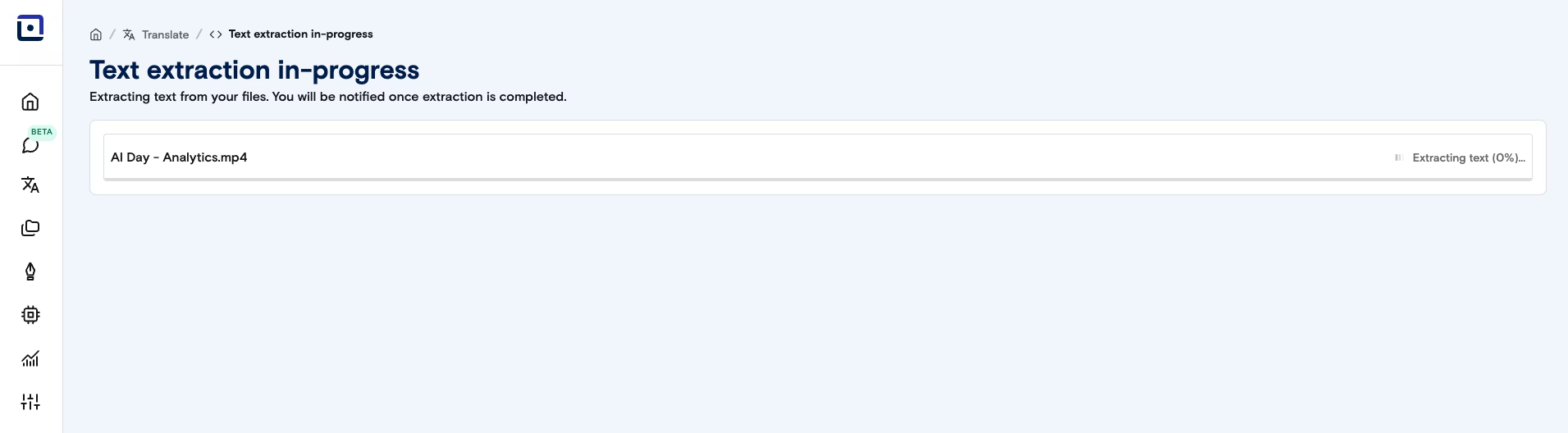
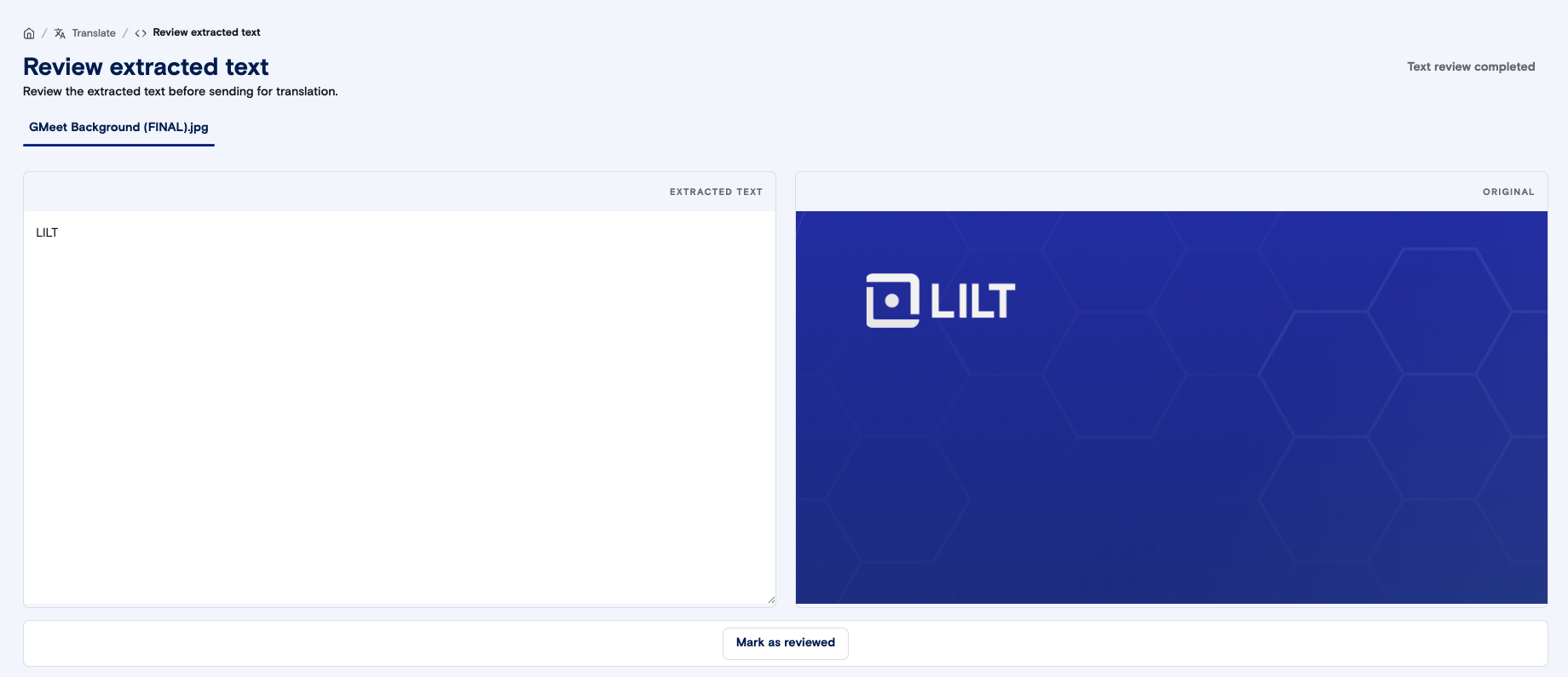
- If you selected Review extracted text, you will be able to make any necessary changes to the extracted text. Once you’re satisfied, click Mark as reviewed and then Text review completed.
- If you selected Instant translation, LILT will then use your selected custom model to instantly translate the text.
- If you selected Verified Translation, LILT will send your extracted text to our experts for translation.
Supported Features
- Input Formats: Images (PNG, JPEG, TIFF, and others — see Supported File Formats for the full list per AI provider)
- Output Formats: TXT, unless you have requested and paid for additional post-processing with your LILT Production team
- Translation Types: Instant and Verified Translation
- Batch Actions: Download multiple translated files (in TXT form) at once.